By
CupTracker vs TheGrint: Which App for Your Golf Trip?
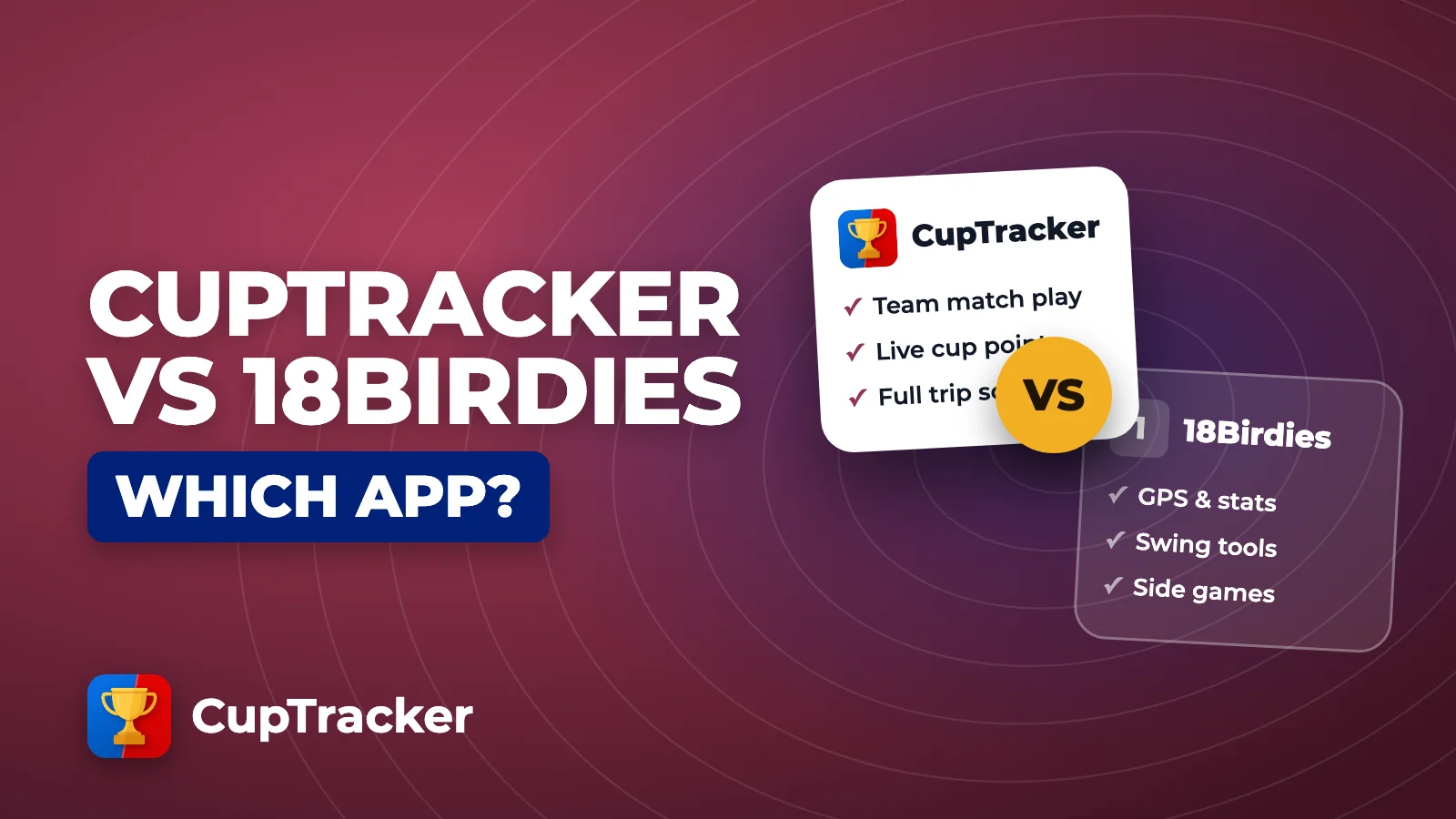
TheGrint is one of the best ways to keep an official handicap and track your game, and it has a free team feature too. CupTracker is built only for the Ryder Cup-style trip with your buddies. Here’s what each one is great at, and when to use which.
Pick TheGrint for
Your handicap and game
- An official USGA Handicap Index
- GPS, scoring and stats, with a generous free version
- A free Teams Cup for simple team points
Pick CupTracker for
The trip as the main event
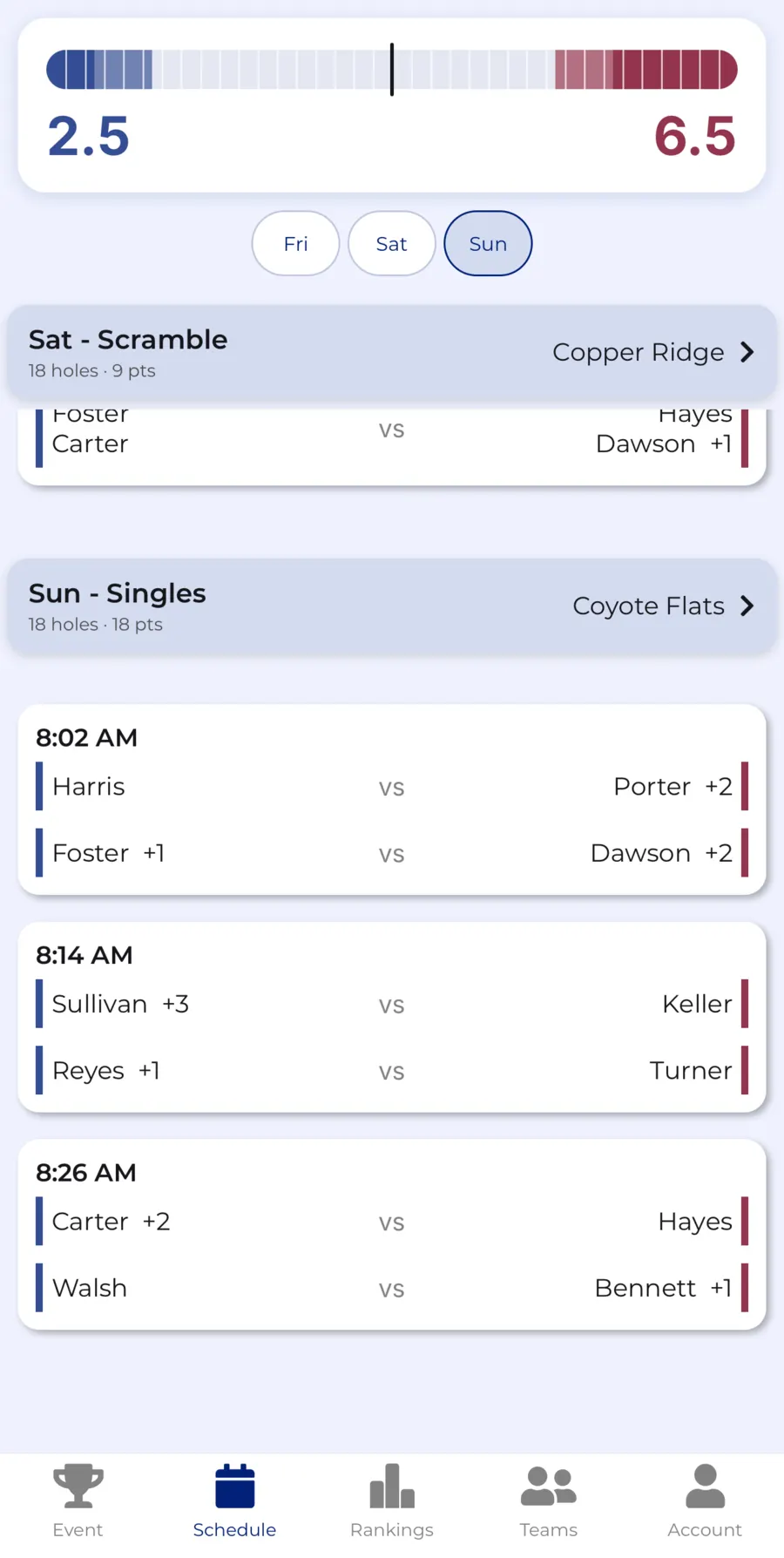
- The full schedule, tee times and pairings
- Every cup format, even mixed in one round
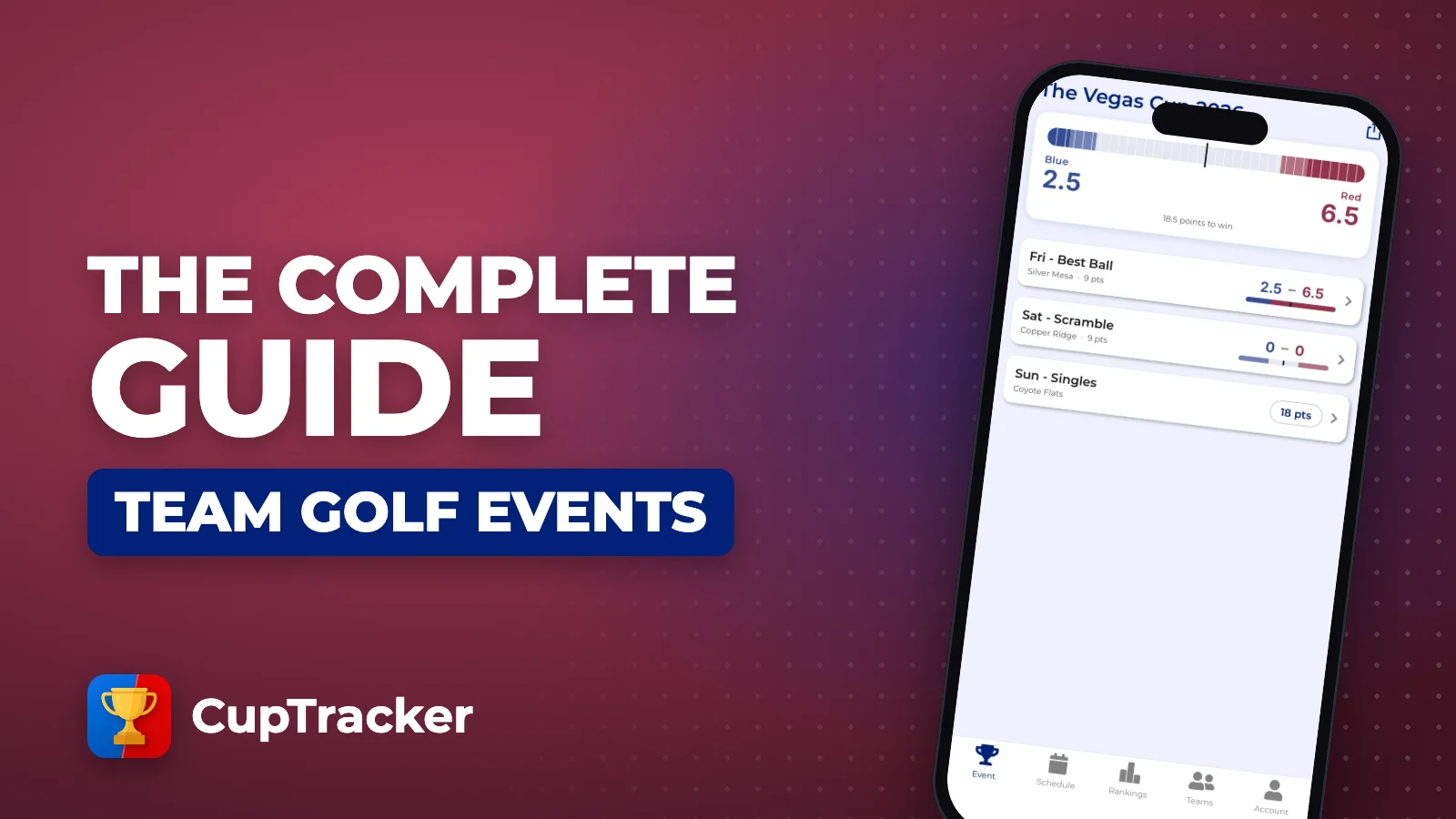
- A live team score built around your group
What TheGrint Is Great At
TheGrint’s biggest strength is the handicap. It’s a licensed USGA handicap data affiliate, so you can link your GHIN number or get an official Handicap ID right in the app. The free version is a full golf app, not a trial.
Official handicap
GPS and scoring
Scorecard photos
Teams Cup
Games
Pro stats
For a golfer who wants an official handicap and good stats, it’s hard to beat.
What CupTracker Is Built For
Teams Cup is a great feature inside a great handicap app. CupTracker is the whole app built around the trip, from the first invite to the trophy.
The whole trip in one place
Six formats, mixed freely
Points your way
Handicap overrides
Skins, automatically
One invite link
Live team score bar
Player rankings

Side by Side
| TheGrint | CupTracker | |
|---|---|---|
| Built for | Handicap, scoring, GPS and stats | A two-team golf trip or cup |
| How you pay | Free, optional Pro subscription | Free to build; pay once per event |
| Official USGA Handicap Index | Licensed USGA affiliate | Uses your existing index |
| GPS yardages | Free | |
| Team cup with live points | Teams Cup, free | |
| Cup formats | Four-ball, foursomes, scramble | Singles, best ball, alt shot, scramble, shamble, team total |
| Mixed formats in one round | — | |
| Points per nine | — | |
| Trip schedule and tee times | — | |
| Skins | As a game | Net and gross, every round |
TheGrint details from its website, App Store listing and help articles, checked November 2026. A dash means we didn’t find it listed, not that it can’t be done.
Why One Group Switched
This group had run their Ryder Cup with TheGrint and Golf GameBook before trying CupTracker in year four.
Best App for Ryder Cup Golf Trips
“CupTracker worked great for our group of 12. This was our fourth year hosting a Ryder Cup and we’ve used both The Grint & Golf GameBook in previous years. CupTracker was by far the best experience we’ve had. Easy to use, well-designed, and perfect for managing our event. Highly recommend!”
Use Both
- 1
Keep your index in TheGrint
Your official handicap stays up to date.
- 2
Enter it in CupTracker
Add each player’s Handicap Index when you set up the trip.
- 3
Let the strokes happen
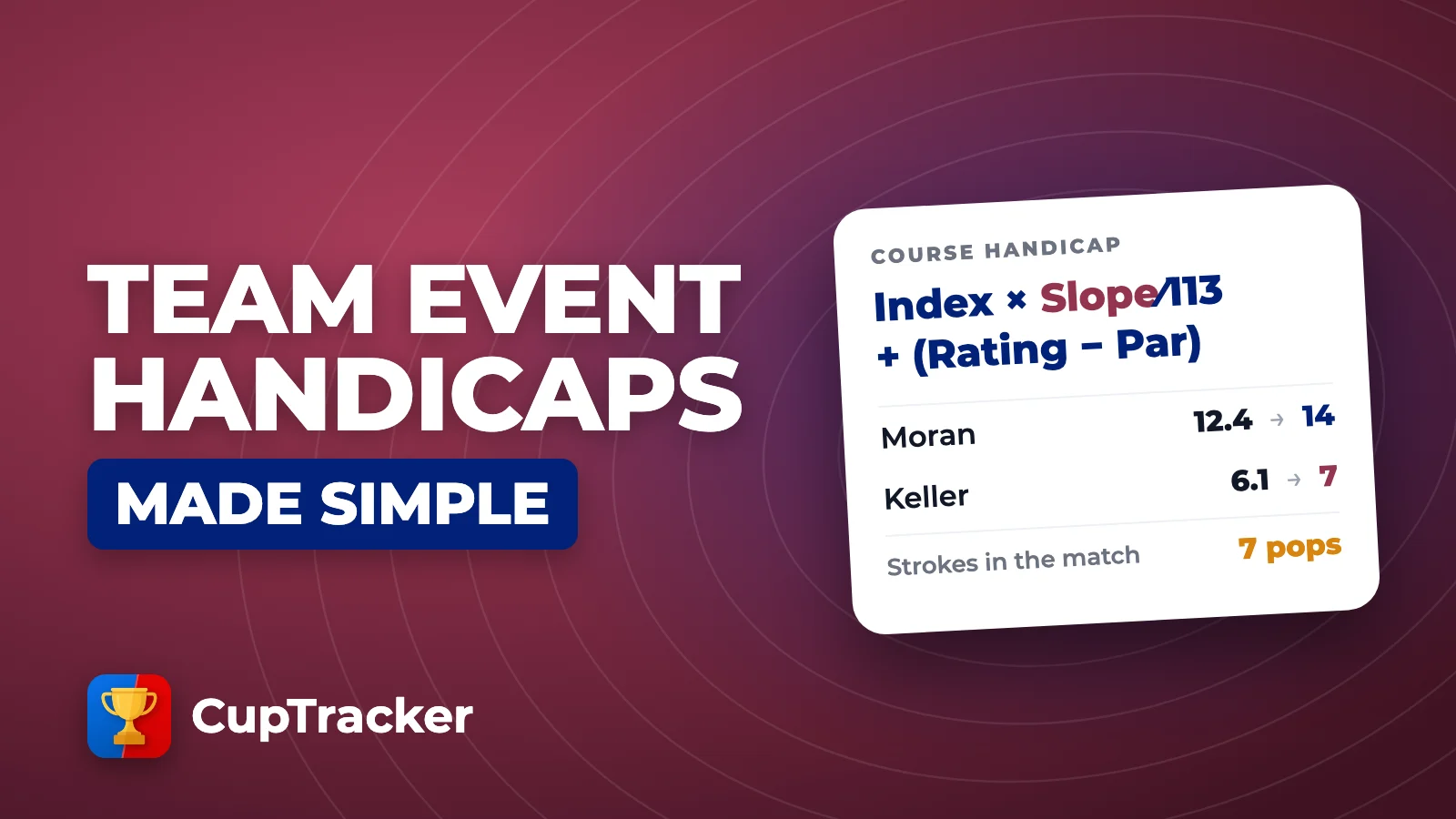
Course handicaps, allowances and strokes off the low player.
Here’s how the team handicap math works. If the free Teams Cup covers what your group needs, use it. If you want the trip to feel like its own event, with every match, point and skin handled for you, that’s what CupTracker is for.
FAQ
Can TheGrint run a Ryder Cup style event?
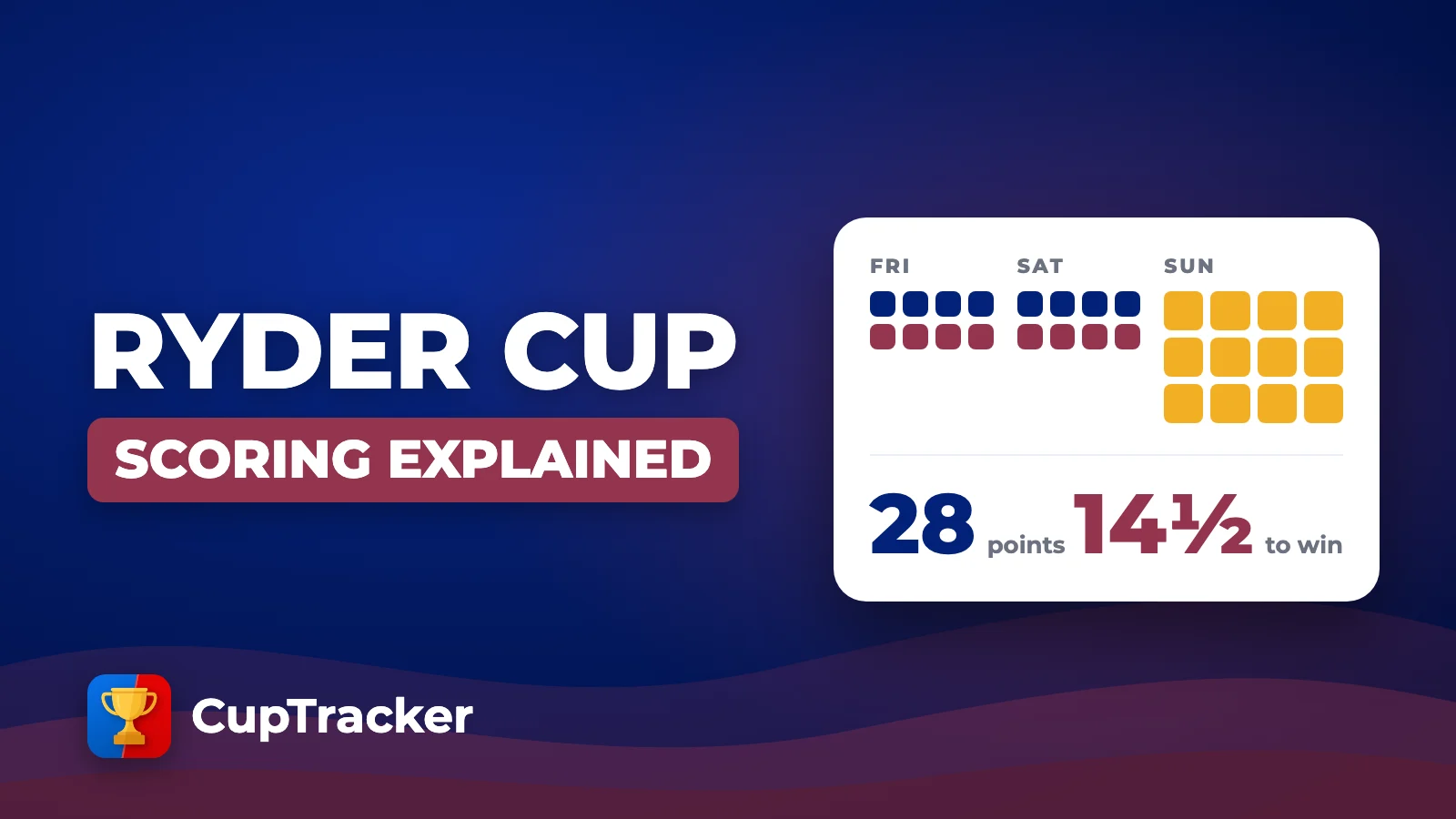
Yes. TheGrint has a free Teams Cup feature for team matches across up to 8 sessions in four-ball, foursomes or scramble, with 1 point for a win, half a point for a tie and live standings.
Does CupTracker give me an official handicap?
No. CupTracker uses your existing Handicap Index to work out course handicaps and strokes for each format. For an official USGA Handicap Index, TheGrint is a licensed USGA handicap data affiliate and lets you link a GHIN number or get a Handicap ID in the app.
Is CupTracker a subscription?
No. CupTracker is free to download and to build your event. You pay once per event when you publish it, based on how many players are in it. Nobody in the group needs a subscription. TheGrint is free, with an optional Pro subscription for more stats and games.
Should I use TheGrint or CupTracker for my golf trip?
If your group wants a free way to tally team points and already uses TheGrint, its Teams Cup is a solid option. If you want a dedicated trip experience with schedule and tee times, every cup format including singles and shamble, mixed formats in one round, points per nine, automatic skins and one invite link for the whole group, use CupTracker.
Run the Trip, Not a Spreadsheet
Build your event free, invite the group with one link, and pay once when you publish.
Loved by golfers. Read their stories