CupTracker complete guide
CupTracker: Complete Guide To Running A Team Golf Tournament From Your Phone
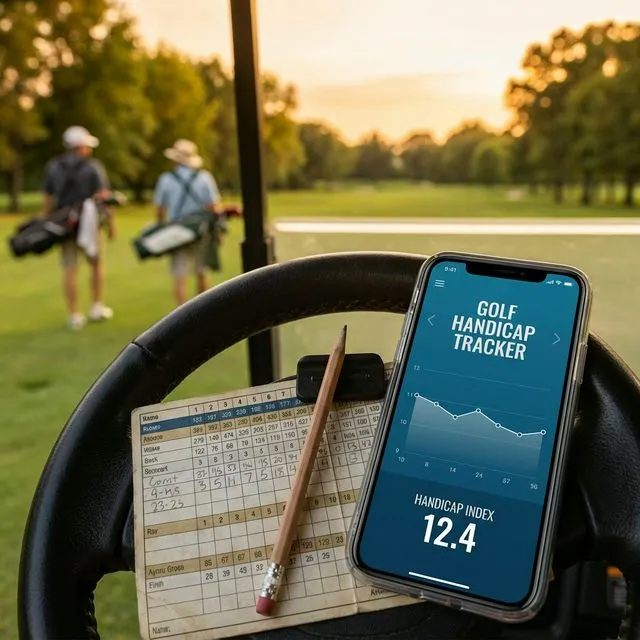
Running a team golf tournament usually means messy spreadsheets, group texts, and constant scoring questions. CupTracker replaces that with a clean, live system that runs on your phone, so you can act like a tournament director without giving up your own round.
This guide walks through what CupTracker does, how to set up an event, and how players experience the tournament from tee off to final putt.
What CupTracker Is Designed For
CupTracker is built for team based golf events, especially:
Ryder Cup style
Teams, captains, and drafts
Buddy trips
Multi-day formats with friends
Weekend matches
Handicaps and live scoring
It focuses on formats where teams compete for points, not just individual stroke play.
Create Your Event In Minutes
Setting up an event is usually the hardest part. In CupTracker it is a simple flow.
Create a new event
Give it a name, dates, and course info.
Choose formats
Fourball, alternate shot, singles, or a mix.
Add players
Import from your contacts or type them in.
Assign teams
Use handicaps to balance sides or assign manually.
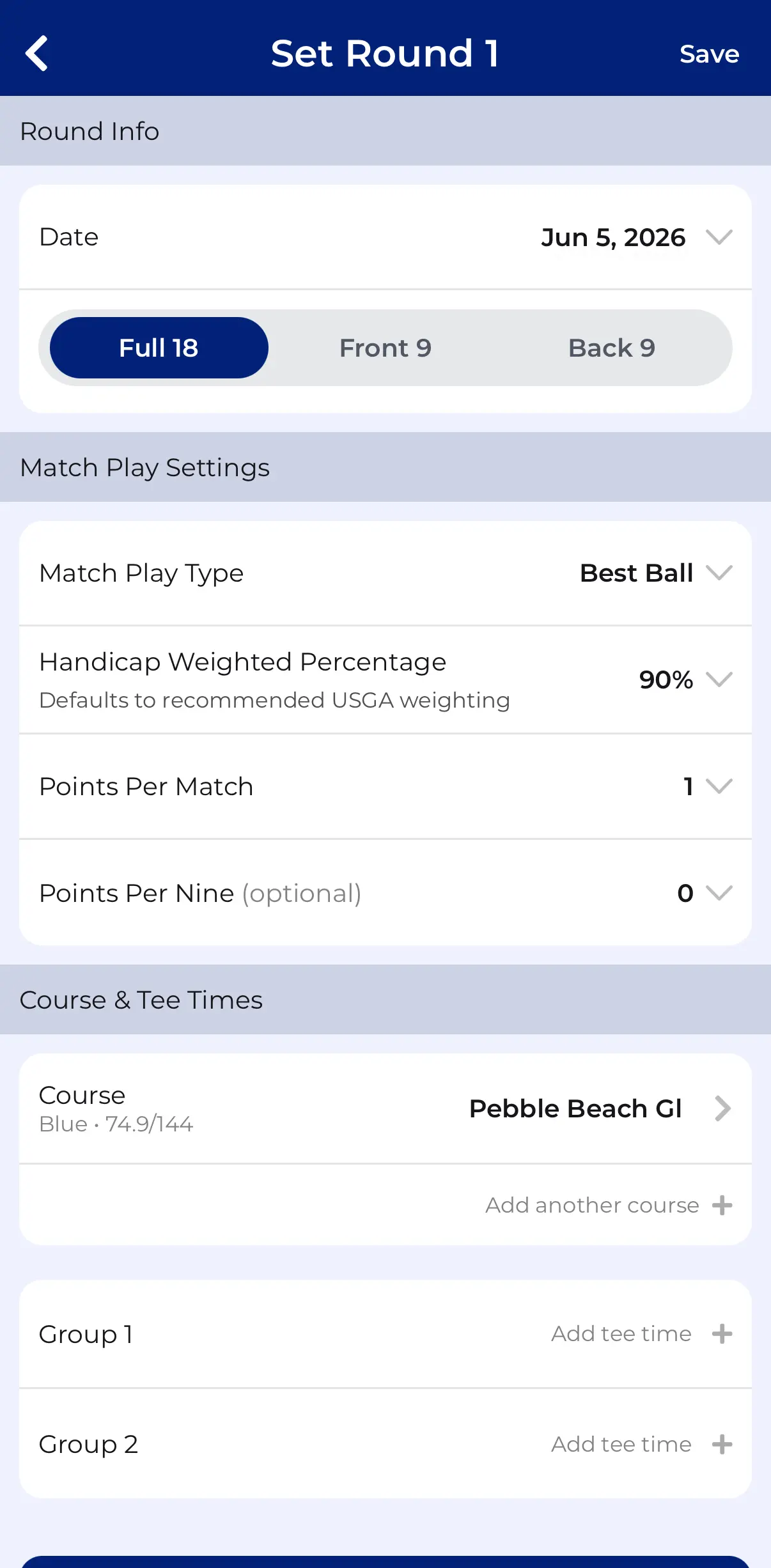

Once the event exists, CupTracker uses that structure for all scoring and leaderboards.
How Players Join Your Tournament
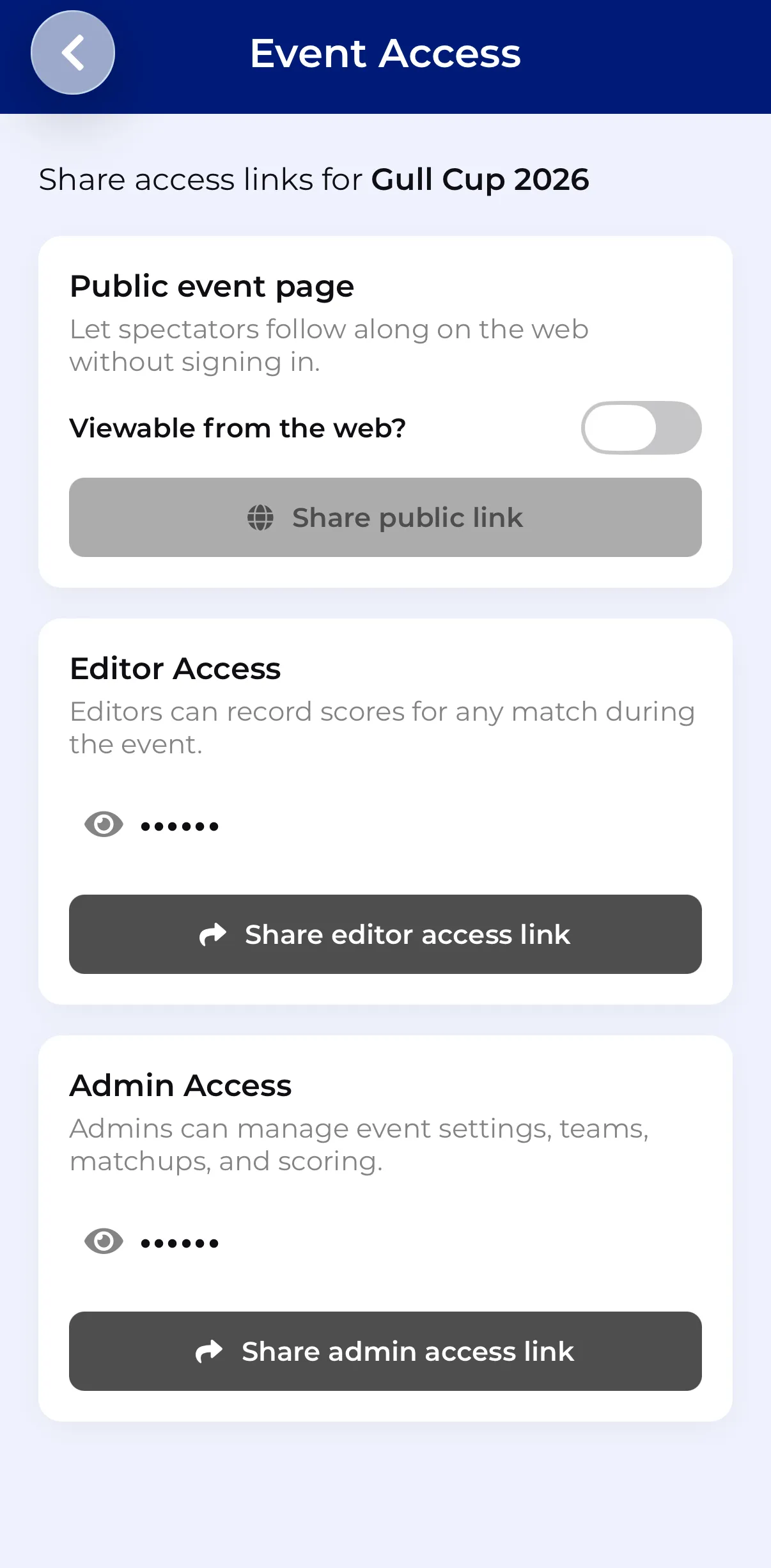
CupTracker uses simple invite codes or links so players can join without confusion.
Getting everyone in
- Share a private invite link or access code
- Players download the app if they do not have it yet
- When they open the link or enter the code, the event appears in their app
You can also share a view only web link for spectators who want to follow along.
Matchups And Pairings Without Spreadsheets
Captains can set matchups before the event or on the morning of the round.
CupTracker lets you
- Assign players to groups and matches by a simple selection
- Change pairings if someone drops out or arrives late
- Keep both captains and players updated in real time
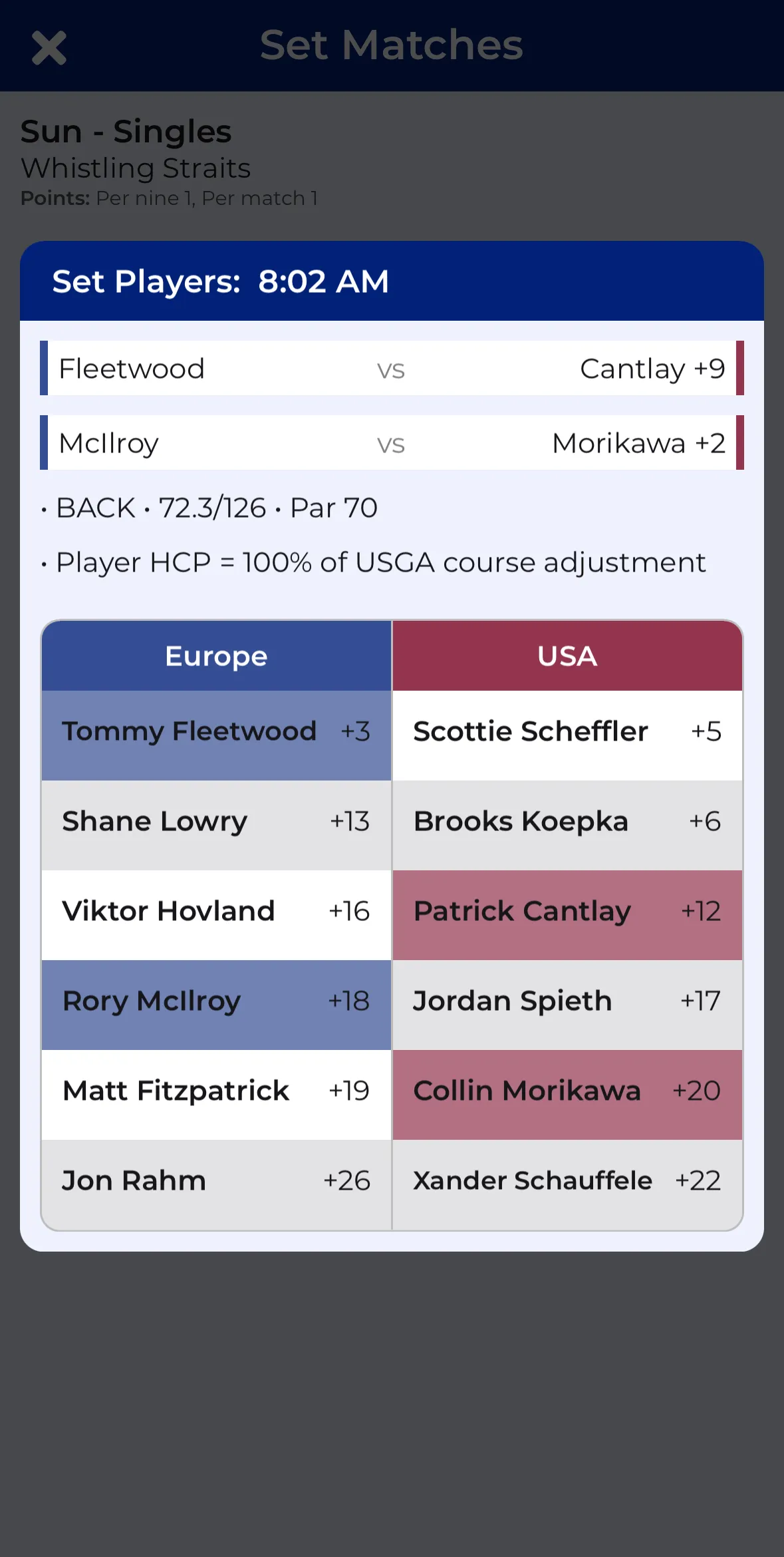
No one has to wonder who they are playing with, which side they are on, or what format is active.
Automatic Handicap Strokes Per Hole
Handicap math is one of the main reasons people avoid more complex formats. CupTracker removes that friction, following the USGA Rules of Handicapping so the math is always correct. If you want to understand exactly how it works, this guide covers handicap calculation for every team format.
Behind the scenes
- Uses each player's course handicap for the selected tees
- Applies strokes to the correct holes based on stroke index
- Calculates net and gross results for every hole
On screen, players just mark their score and strokes automatically get factored into the match and leaderboards.
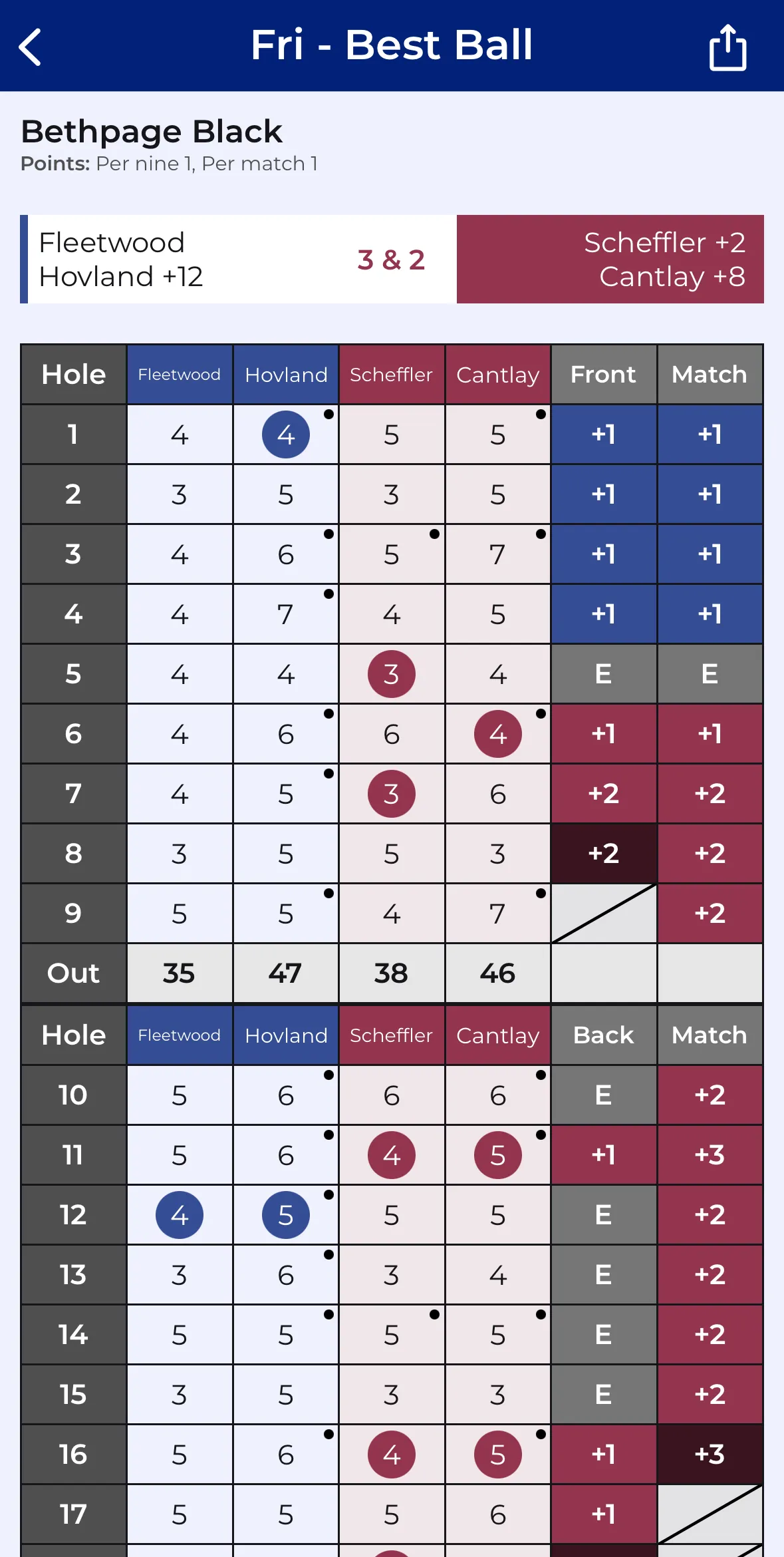
There is no need for anyone to open a spreadsheet, write on a scorecard, or explain strokes multiple times.
Live Scoring That Updates Automatically
CupTracker is built around live scoring so players and spectators always know what is happening.
Real-time updates
- Any player in a group can enter scores after each hole
- The app updates match status and team points instantly
- The live leaderboard shows overall team standings and individual match results without refreshing
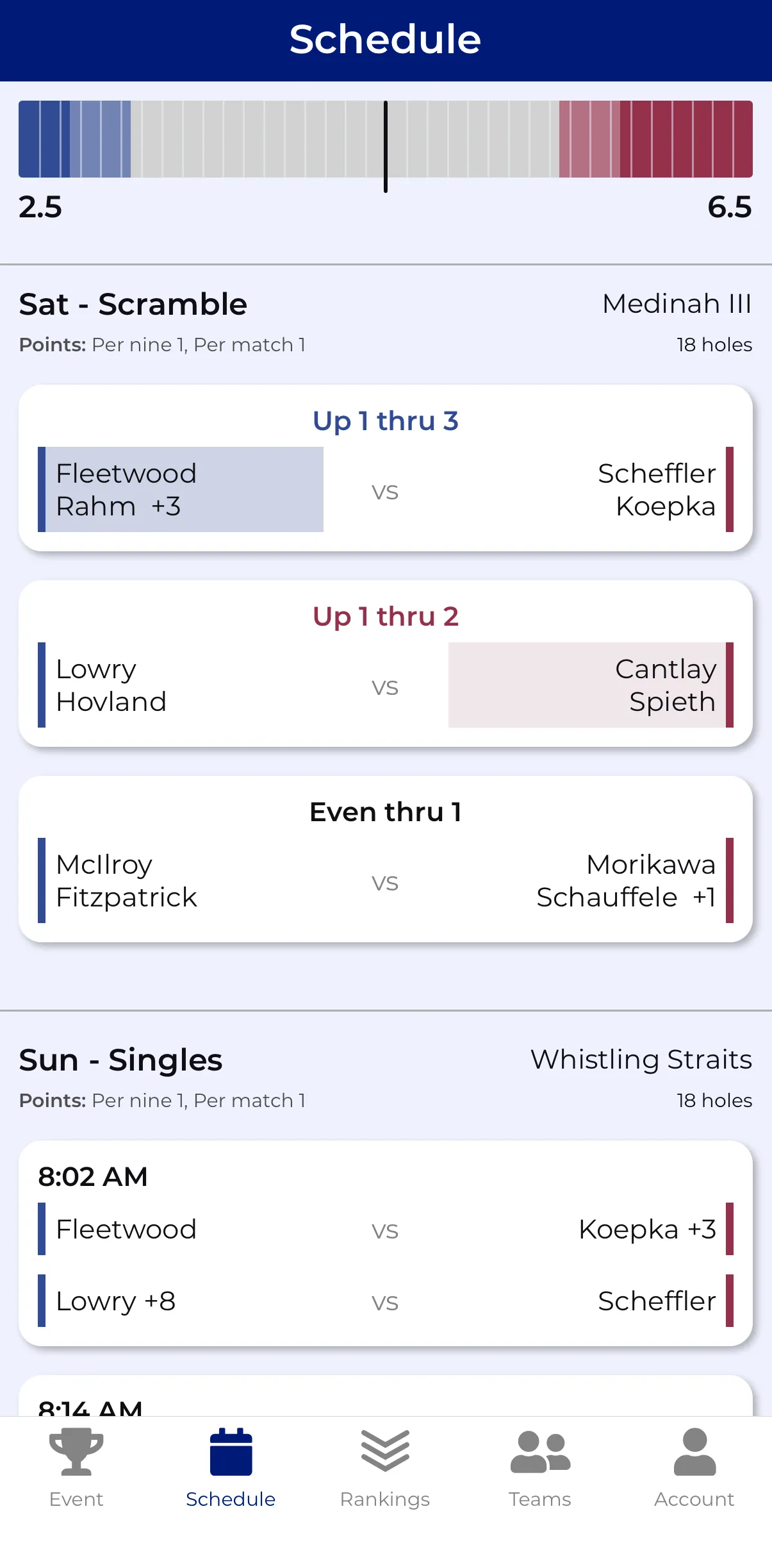
Groups on different holes still feel connected to the event, since they can see swings in real time.
View Only Links For Friends And Family
Not everyone in your circle will want to download an app, especially spectators.
View only web link shows
- Live team leaderboard
- Match summaries
- Hole by hole scoring and stats
Send that link to friends, family, or group chats so people can follow along from anywhere.
Comparing Gross vs Net To See Who Is Beating Their Handicap
Team events often spark questions like “Who actually played the best round today”.
CupTracker separates gross and net
- See who scored better than their handicap
- Identify players who over performed or under performed
- Use stats to decide pairings for the next day
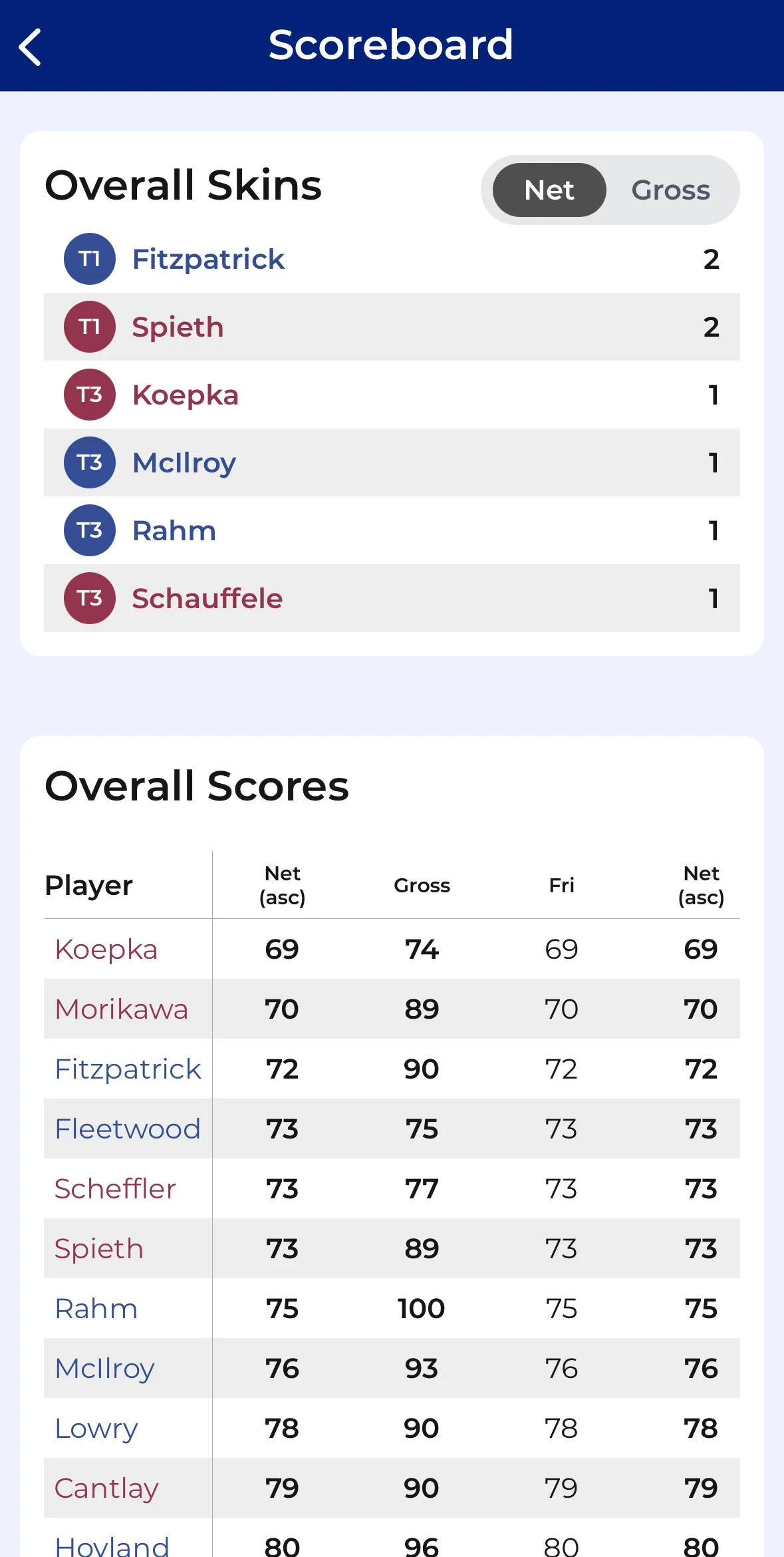
You can also run skins so that every hole still matters, even if a match is out of reach.
Day Of Play: What It Feels Like For Players
From the player perspective, a CupTracker powered event looks like this:
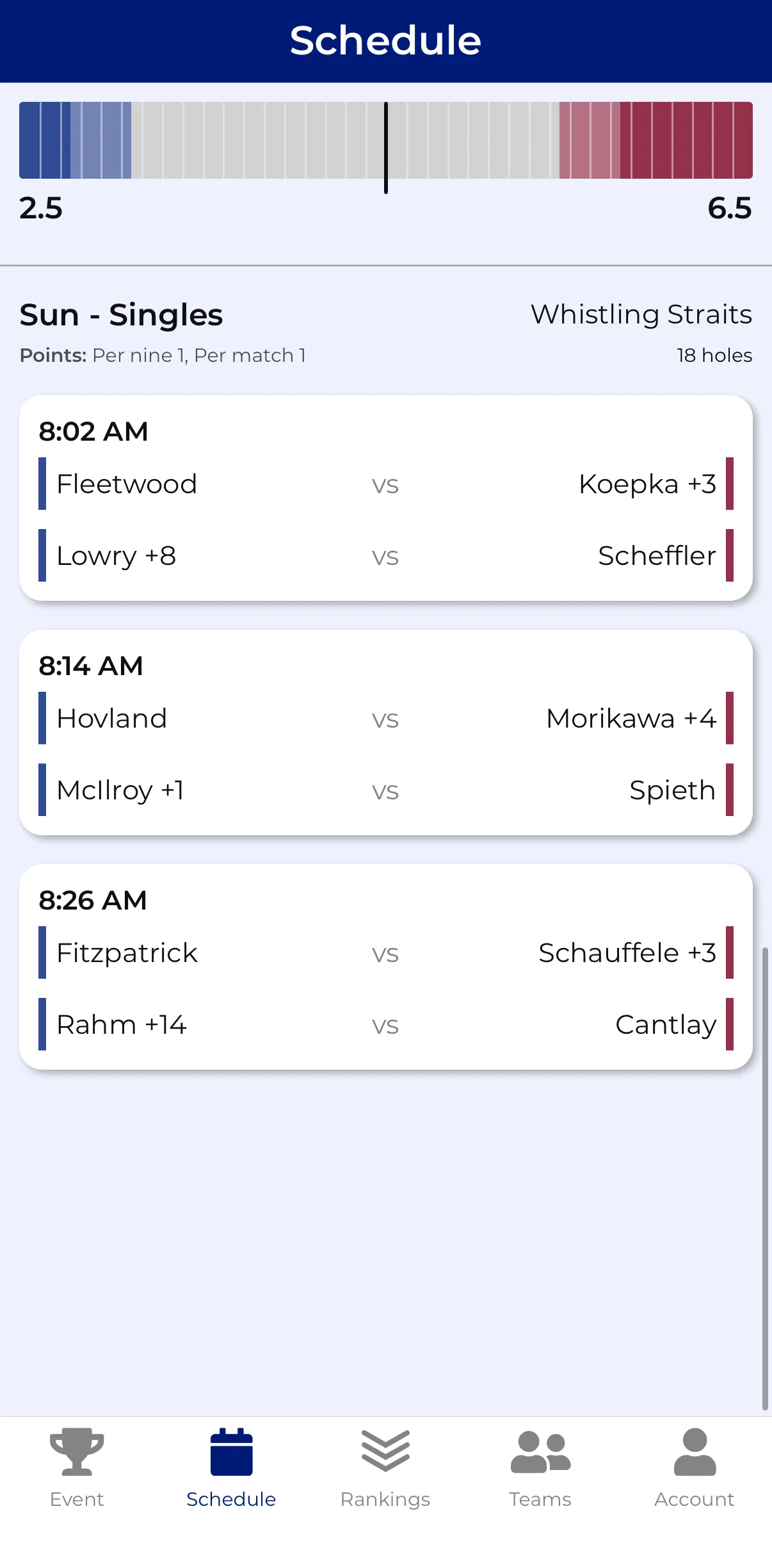
Open the app and tap into the event
See your tee time, group, and opponent or partner
Enter scores after each hole, or let a single person in the group do it
Glance at the leaderboard between shots to see team standings
Refresh your memory at the end of the day with match summaries and stats
The organizer spends far less time answering scoring questions and more time actually playing.
Why CupTracker Makes You Look Like A Tournament Pro
You do not have to work at a club to run a professional feeling golf event. Clear structure, correct handicaps, live leaderboards, and simple invites. All from your pocket.
If you run even one golf trip or Ryder Cup style event each year, putting CupTracker at the center of it turns logistics into something you hardly notice and makes the competition feel more serious in the best way.
Loved by golfers. Read their stories